Industry News8 min read
WhatsApp Business API Provider in Pune
WhatsApp Business API Provider in Pune, Maharashtra: The Complete Guide for Local BusinessesPune has quietly become one of Indi
A
Admin
Content Writer at SyncWABA
July 11, 2026
- WhatsApp Business API Provider in Pune, Maharashtra: The Complete Guide for Local Businesses
Pune has quietly become one of India's most important business hubs IT and ITES companies, auto and manufacturing giants, a fast-growing D2C and e-commerce scene, and one of the country's largest student and education markets. Every one of these businesses shares the same problem: customers now expect to talk to companies on WhatsApp, not email or phone calls.
But finding the right WhatsApp Business API provider isn't as simple as picking the first Google result. Pricing models differ, onboarding timelines vary, and support quality especially when you need help fast can make or break your rollout.
In this guide, you'll learn what a WhatsApp Business API provider actually does, why local relevance matters even for a cloud-based product, and exactly what to look for before you sign up whether you're a Hinjewadi IT firm, a Kothrud-based clinic, or a D2C brand shipping out of Pune.
Table of Contents
What Is a WhatsApp Business API Provider?
Why Pune Businesses Are Moving to WhatsApp API
WhatsApp Business App vs WhatsApp Business API
What to Look For in a Provider Serving Pune
How SyncWABA Supports Pune Businesses
Industry Use Cases in Pune
Step-by-Step: Getting Started
Best Practices
Common Mistakes to Avoid
Comparison Table
FAQs
Conclusion & Next Steps
1. What Is a WhatsApp Business API Provider?
Definition: A WhatsApp Business API provider — officially called a Business Solution Provider (BSP) by Meta — is a company authorized to give businesses access to the WhatsApp Business Platform (Cloud API), along with tools built on top of it such as chatbots, CRM, bulk messaging, and analytics.
Unlike the free WhatsApp Business App (used by solo shop owners and freelancers), the API is designed for companies that need to:
Send and receive messages from multiple team members
Automate replies with a chatbot or flow builder
Integrate WhatsApp with a CRM, helpdesk, or e-commerce platform
Send bulk, template-based notifications and marketing campaigns
Access reporting, webhooks, and developer-level controls
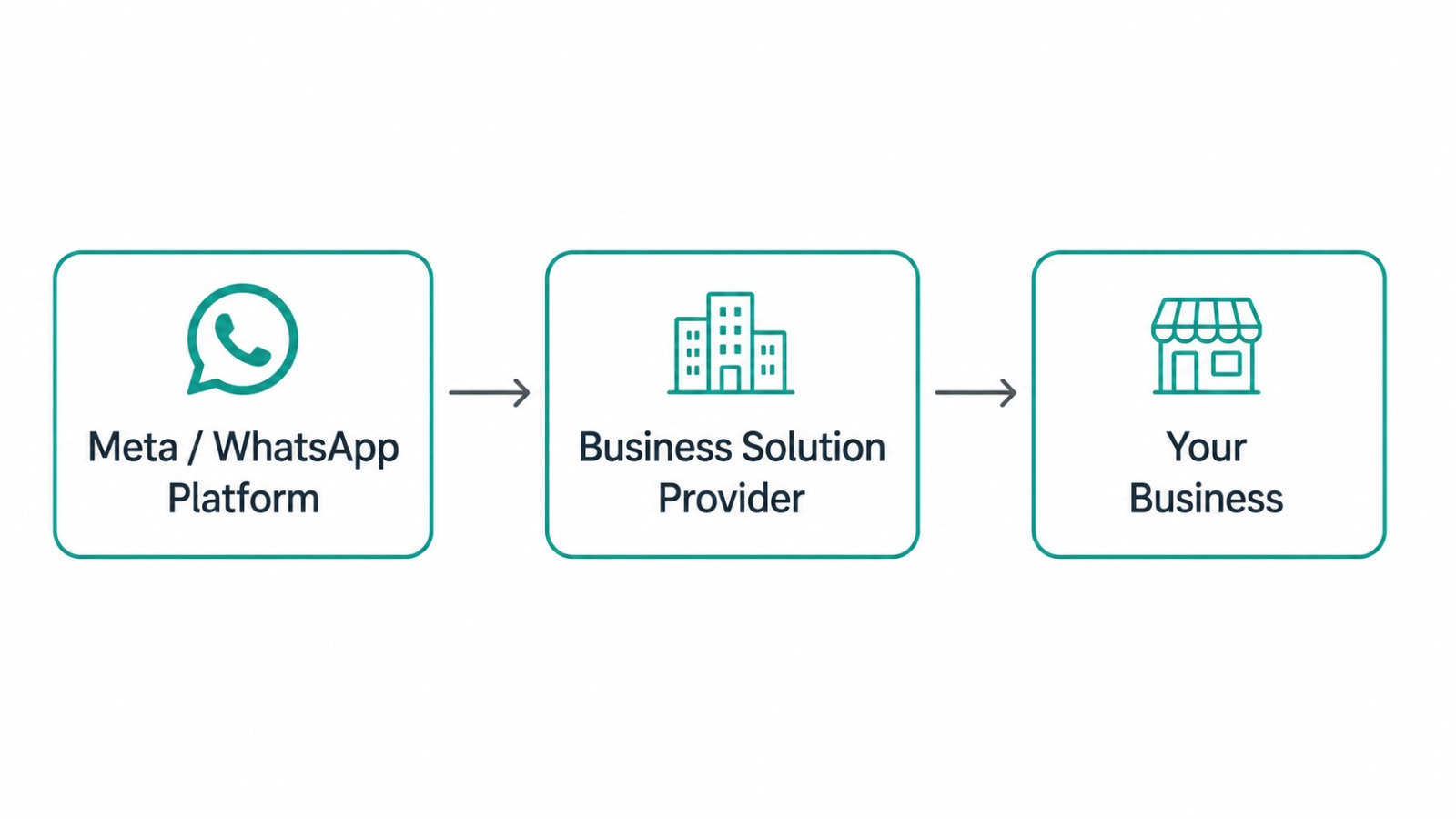
- Meta does not sell API access directly to most businesses — you need to go through a BSP like SyncWABA, which handles number verification, template approval, billing, and the software layer on top of Meta's infrastructure.
2. Why Pune Businesses Are Moving to WhatsApp API
Pune's business landscape is unusually diverse for a single city, and that diversity is exactly why WhatsApp automation has caught on so quickly here:
IT and SaaS companies in Hinjewadi, Kharadi, and Magarpatta need to support enterprise clients across time zones WhatsApp chatbots and shared inboxes reduce first-response time significantly.
Manufacturing and auto-ancillary businesses (Pune has a strong presence in this sector) use WhatsApp for dealer communication, order confirmations, and logistics updates.
D2C and e-commerce brands shipping from Pune use WhatsApp for abandoned cart recovery, order tracking, and COD confirmation all of which reduce return-to-origin (RTO) losses.
Education and coaching institutes, given Pune's large student population, use WhatsApp for admissions follow-up, fee reminders, and parent communication.
Healthcare providers and clinics use it for appointment reminders and prescription follow-ups.
WhatsApp remains one of the most-used messaging apps in India, which means most of your customers regardless of industry are already checking it multiple times a day. Meeting them there, instead of asking them to check email, is a conversion advantage that's hard to ignore.
3. WhatsApp Business App vs WhatsApp Business API
A lot of Pune-based small business owners start with the free Business App and only later realize it can't scale. Here's the honest comparison:
| Feature |
WhatsApp Business App |
WhatsApp Business API |
| Cost |
Free |
Paid (conversation-based + platform fee) |
| Number of users |
1 device (or up to 4 linked devices) |
Unlimited team members via shared inbox |
| Automation |
Basic auto-replies only |
Full chatbot, flow builder, AI automation |
| CRM/Helpdesk integration |
Not supported |
Fully supported |
| Bulk messaging |
Not supported (risk of ban) |
Supported via approved templates |
| Green tick verification |
Not available |
Available (subject to Meta approval) |
| Best suited for |
Solo owners, very small shops |
Growing businesses, teams, agencies |
- Verdict: If more than one person replies to customers, or you send more than a handful of messages a day, the API is the only scalable option.
4. What to Look For in a WhatsApp API Provider Serving Pune
Since the WhatsApp Business Platform itself is cloud-based, "local" doesn't mean a provider needs an office in Pune but it does mean the following matter:
Support hours aligned with IST business hours so you're not waiting till the next day for a resolution.
Experience with your industry a provider that understands e-commerce COD workflows will set up your bot differently than one used to healthcare reminders.
Fast template approval turnaround Meta approves message templates, but your provider's process for submitting and troubleshooting rejections affects your go-live speed.
Transparent pricing no hidden markup on Meta's conversation-based charges.
CRM and tool integrations check whether the provider connects with the CRM, helpdesk, or e-commerce platform you already use.
Onboarding and migration support especially important if you're moving from another provider or from the free Business App.
5. How SyncWABA Supports Pune Businesses
SyncWABA is a full-stack WhatsApp Business API platform built for businesses that need more than just messaging — including:
WhatsApp Business API with official green tick verification support
AI Chatbot to handle FAQs, lead qualification, and order status without manual effort
Bulk Messaging & Campaign Manager for marketing broadcasts, offers, and reminders
Shared Team Inbox so support, sales, and operations teams can all reply from one place without stepping on each other
CRM to track conversations, leads, and customer history in one view
Flow Builder for no-code automation of common workflows (order confirmation, appointment booking, lead capture)
WhatsApp Forms for collecting structured information inside a chat
REST API & Webhooks for developers who want to build custom integrations
Analytics to track delivery rates, response times, and campaign performance
Whether you're a startup in Baner testing your first automated flow or an enterprise team in Kharadi running multi-agent support, SyncWABA's platform is built to scale with you.
👉 Explore SyncWABA Features and API Documentation to see how the platform fits your stack.
6. Industry Use Cases in Pune
E-commerce & D2C
A Pune-based fashion or FMCG D2C brand can use WhatsApp API to send order confirmations, COD verification messages, and shipping updates — reducing customer service tickets and RTO rates.
IT & SaaS Companies
Support teams in Pune's IT corridor can route incoming client queries through a shared inbox with automated triage, cutting first-response time and giving managers visibility into SLA performance.
Education
Coaching institutes and colleges can automate admission inquiries, send fee due reminders, and keep parents updated — all without manual follow-up calls.
Healthcare
Clinics and diagnostic centers can send appointment reminders, report-ready notifications, and answer common queries via chatbot, freeing up front-desk staff.
Real Estate
Pune's real estate developers and brokers can qualify leads automatically through a WhatsApp Flow, capturing budget, location preference, and site-visit interest before a human ever picks up the phone.
Image Suggestion: Grid graphic — "5 Industries in Pune Automating WhatsApp Communication"
7. Step-by-Step: Getting Started With WhatsApp API in Pune
Choose a BSP (like SyncWABA) instead of applying to Meta directly.
Register your business number — this can be a new number or an existing one (note: it cannot currently be active on the regular WhatsApp Business App simultaneously).
Complete Meta's business verification for your Facebook Business Manager account.
Submit message templates for approval (order updates, reminders, promotional messages, etc.).
Set up your chatbot, flow, or shared inbox based on your use case.
Integrate with your CRM or e-commerce platform via the provider's native integrations or REST API.
Apply for green tick verification (optional, subject to Meta's criteria).
Go live and monitor performance through analytics.
Image Suggestion: Workflow Diagram — "8 Steps to Launch WhatsApp API"
8. Best Practices
Keep your first message templates simple and clearly transactional — Meta approves these faster than promotional ones.
Use the 24-hour customer service window wisely; free-form replies are allowed within it, but messages outside it require pre-approved templates.
Set clear escalation rules in your chatbot so complex queries reach a human quickly.
Segment your contact list before running bulk campaigns — relevance improves both engagement and Meta's quality rating for your number.
Monitor your quality rating in the platform dashboard; a dropping score can restrict your messaging limits.
9. Common Mistakes to Avoid
❌ Sending bulk promotional messages without template approval (leads to number restrictions)
❌ Ignoring the messaging tier limits Meta assigns to new numbers
❌ Choosing a provider based on price alone, without checking integration support
❌ Not training the chatbot on real customer queries before launch
❌ Using the same number across the free Business App and the API simultaneously
10. Comparison Table: Manual WhatsApp vs API-Powered Automation
Factor
Manual (Business App)
WhatsApp API (SyncWABA)
Response time
Depends on staff availability
Instant via chatbot, 24/7
Team collaboration
Difficult beyond 1–2 people
Shared inbox for unlimited agents
Marketing campaigns
Manual, risk of ban
Automated, compliant bulk sending
Reporting
None
Full analytics dashboard
Integrations
None
CRM, e-commerce, helpdesk, custom API
Scalability
Limited
Built for growth
Conclusion
Choosing a WhatsApp Business API provider isn't just a technical decision — it directly affects how fast your Pune business can respond to customers, how well your team collaborates, and how much manual work you can eliminate from support, sales, and marketing. Whether you're running a growing D2C brand, an IT support desk, or a multi-branch clinic, the right platform turns WhatsApp from a personal messaging app into a genuine growth channel.
SyncWABA brings together the API, chatbot, CRM, shared inbox, and campaign tools your Pune business needs — under one platform, without stitching together multiple vendors.
Tags:
Ready to Get Started with WhatsApp Business API?
Join 1,000+ businesses using SyncWABA to grow with WhatsApp. Start free today!