Does WhatsApp Coexistence Mode Require Meta Verified to Show Your Business Name? (2026 Complete Guide)
WhatsApp Coexistence mode does not require Meta Verified (the paid subscription badge) just to show your basic business name; standard display name approval and a basic profile setup via Meta Business Manager handle basic naming
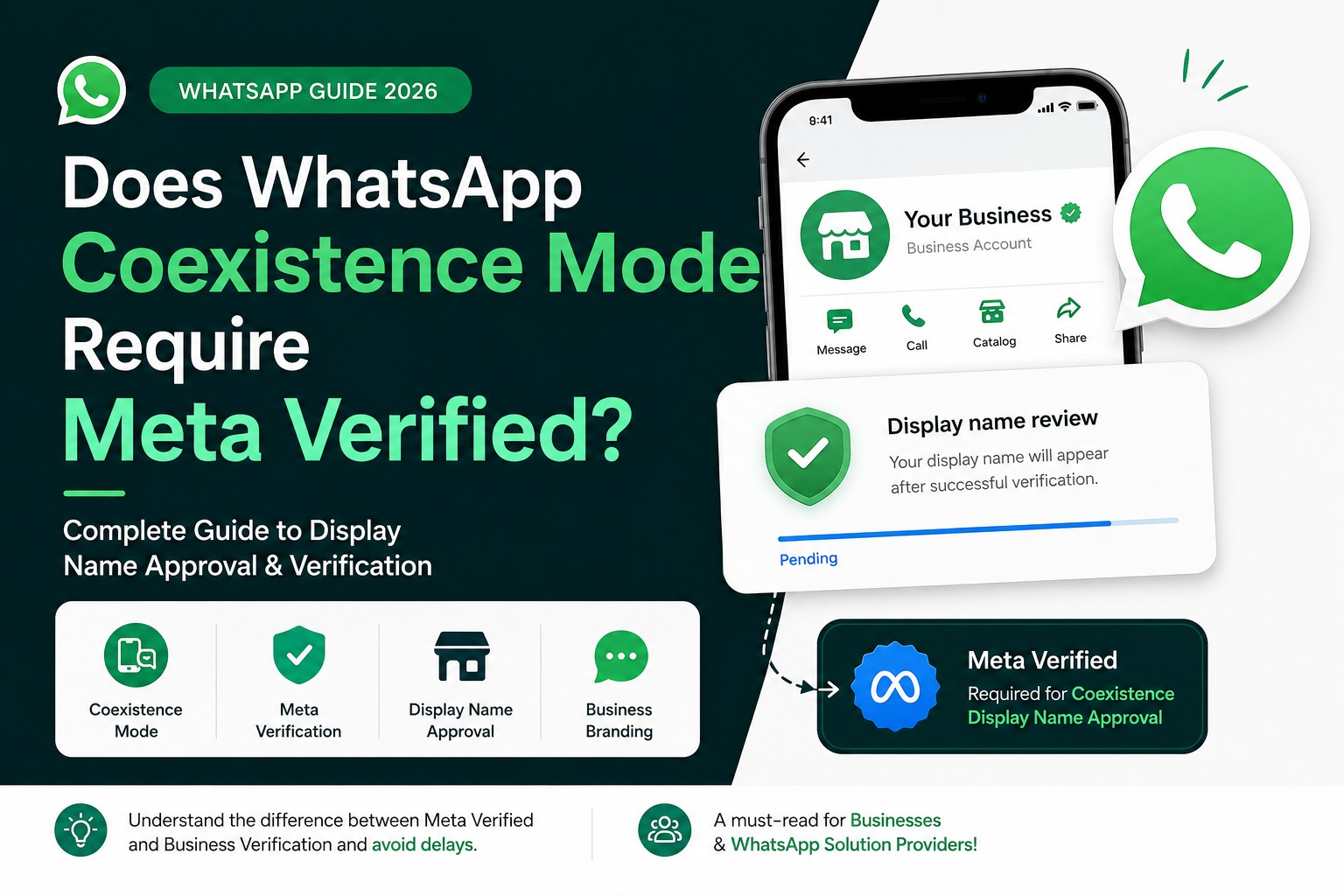
Does WhatsApp Coexistence Mode Require Meta Verified?
If you've recently started using WhatsApp Coexistence Mode, you may have noticed that your business name isn't showing even though your WhatsApp Business API is active.
Many businesses assume this is a bug or a display name approval delay. However, the real reason is often related to Meta Verification.
This has created significant confusion because traditional WhatsApp Business API accounts generally don't require a paid Meta Verified subscription to display their business name. But Coexistence accounts follow a different approval process.
In this guide, we'll explain:
- What WhatsApp Coexistence Mode is
- Why your business name may not appear
- Whether Meta Verified is mandatory
- The difference between Meta Verified and Business Verification
- What businesses should do before onboarding
Let's simplify everything.
What Is WhatsApp Coexistence Mode?
WhatsApp Coexistence Mode allows businesses to use the samephone number with both:
- WhatsApp Business App
- WhatsApp Business Platform (API)
Instead of migrating away from the mobile app, businesses can continue using it while also accessing automation features from a Business Solution Provider (BSP).
This is ideal for businesses that want:
- AI chatbots
- Shared team inbox
- CRM integration
- Broadcast campaigns
- Automation workflows
without giving up the WhatsApp Business App.
Why Is My Business Name Not Showing?
This is currently one of the most common questions among businesses using Coexistence.
Many users successfully connect their number to the API but later discover:
- The business display name remains unavailable.
- The review never starts.
- Customers only see the phone number instead of the business name.
In many cases, the issue isn't technical it relates to the verification requirements for Coexistence accounts.
Does WhatsApp Coexistence Require Meta Verified?
For many Coexistence accounts, Meta requires Meta Verification before the display name approval process begins.
This means:
- Your WhatsApp API may already be working.
- Messages can still be sent and received.
- Automation may function normally.
- However, the display name review may remain pending until Meta Verification is completed.
This requirement is specific to the Coexistence experience and differs from many traditional WhatsApp Business API setups.
Why Is This Different From Standard WhatsApp Business API?
Businesses often compare their experience with older API accounts.
A standard WhatsApp Business API account typically focuses on:
- Business verification (where applicable)
- Display name review
- API onboarding
Many existing API users never needed a paid Meta Verified subscription to display their business name.
Coexistence introduces an additional layer because the same number is shared between the mobile app and the API.
As a result, Meta has introduced additional verification requirements for certain Coexistence accounts.
Meta Verified vs Meta Business Verification
This is where most businesses become confused.
These two terms sound similar but serve different purposes.
|
Meta Verified |
Meta Business Verification |
|
Paid subscription |
Business identity verification |
|
Subscription-based |
Usually part of Meta Business Manager |
|
Helps verify the account for supported services |
Confirms the business entity |
|
Used in Coexistence requirements for some accounts |
Required for many business platform features |
They are not the same process.
Many businesses complete Business Verification but still need Meta Verified if they are using Coexistence.
What Happens If You Don't Complete Meta Verification?
If Meta Verification is required for your Coexistence account, you may experience:
- Display name review not starting
- Business name not appearing
- Delayed branding approval
- Confusion during onboarding
Your automation platform may continue working, but your brand identity may remain incomplete.
Does Every Business Need Meta Verified?
No.
This is an important distinction.
Businesses using:
- Traditional WhatsApp Business API
- Older API onboarding methods
- Different deployment models
may not require Meta Verified in the same way.
However, businesses using WhatsApp Coexistence Mode should verify the current requirements during onboarding because Meta's policies continue to evolve.
What About Business Solution Providers?
If you're a WhatsApp Business Platform provider, your customers will naturally ask questions like:
- Why isn't my business name showing?
- Why is my display name pending?
- Why do I need another verification?
- Is this included in the API pricing?
Having clear documentation about Meta's Coexistence requirements can reduce support tickets and improve customer onboarding.
How to Check Whether Your Display Name Review Has Started
If your business name hasn't appeared, check:
1. Is your API active?
Confirm your WhatsApp Business Platform is connected successfully.
2. Is your display name still pending?
Look inside WhatsApp Manager.
3. Are you using Coexistence Mode?
If yes, additional verification requirements may apply.
4. Has Meta Verification been completed?
If not, the display name review may not begin.
Best Practices Before Enabling Coexistence
Before moving to Coexistence, businesses should:
- Understand the verification requirements.
- Prepare business documentation.
- Decide whether Coexistence is the right deployment model.
- Inform internal teams about possible approval timelines.
- Avoid assuming that Coexistence behaves exactly like traditional API onboarding.
Planning ahead prevents delays after activation.
Common Myths
Myth 1: WhatsApp API always requires Meta Verified
False.
Many standard API accounts operate without a Meta Verified subscription.
Myth 2: Business Verification and Meta Verified are identical
False.
They are separate processes with different purposes.
Myth 3: If my API works, my display name should appear immediately
Not necessarily.
Display name approval follows its own review process and may depend on additional verification requirements for Coexistence accounts.
Myth 4: This affects every WhatsApp Business account
No.
The requirements discussed here primarily relate to businesses using WhatsApp Coexistence Mode.
Frequently Asked Questions
Is Meta Verified mandatory for WhatsApp Coexistence?
For many Coexistence accounts, Meta requires Meta Verification before the business display name review begins.
Is Meta Business Verification enough?
Not always.
Meta Business Verification and Meta Verified are different processes.
Can I use WhatsApp Business API without Meta Verified?
Yes, many standard API accounts can operate without a Meta Verified subscription. Requirements vary depending on the onboarding model and Meta's current policies.
Why is my display name still pending?
If you're using Coexistence Mode, your display name review may not start until the required Meta Verification has been completed.
Can I keep using the WhatsApp Business App?
Yes.
That's one of the biggest advantages of Coexistence Mode—you can continue using the WhatsApp Business App while also accessing API-based automation.
Final Thoughts
WhatsApp Coexistence Mode offers businesses the convenience of using the same phone number across both the WhatsApp Business App and the WhatsApp Business Platform. However, it also introduces new verification requirements that differ from traditional API onboarding.
If your business name isn't appearing or your display name review hasn't started, the issue may not be technical. For many Coexistence accounts, Meta Verification is a prerequisite before Meta begins reviewing the display name. This is different from Meta Business Verification, and understanding that distinction can save time, reduce confusion, and streamline your onboarding process.
As Meta continues to evolve the WhatsApp ecosystem, businesses and solution providers should stay informed about the latest requirements. Before enabling Coexistence, review the verification steps, communicate them clearly to your team or customers, and ensure the necessary approvals are completed.
By understanding how Coexistence works, you can avoid unnecessary delays and provide a smoother WhatsApp experience for both your business and your customers.
Tags:
Ready to Get Started with WhatsApp Business API?
Join 1,000+ businesses using SyncWABA to grow with WhatsApp. Start free today!